YouTube Thumbnail Max Resolution: 2026 Download Workflow
Get youtube thumbnail max resolution files with real variant checks, honest HD fallbacks, and source notes for creator audits. Try it now.
Direct answer
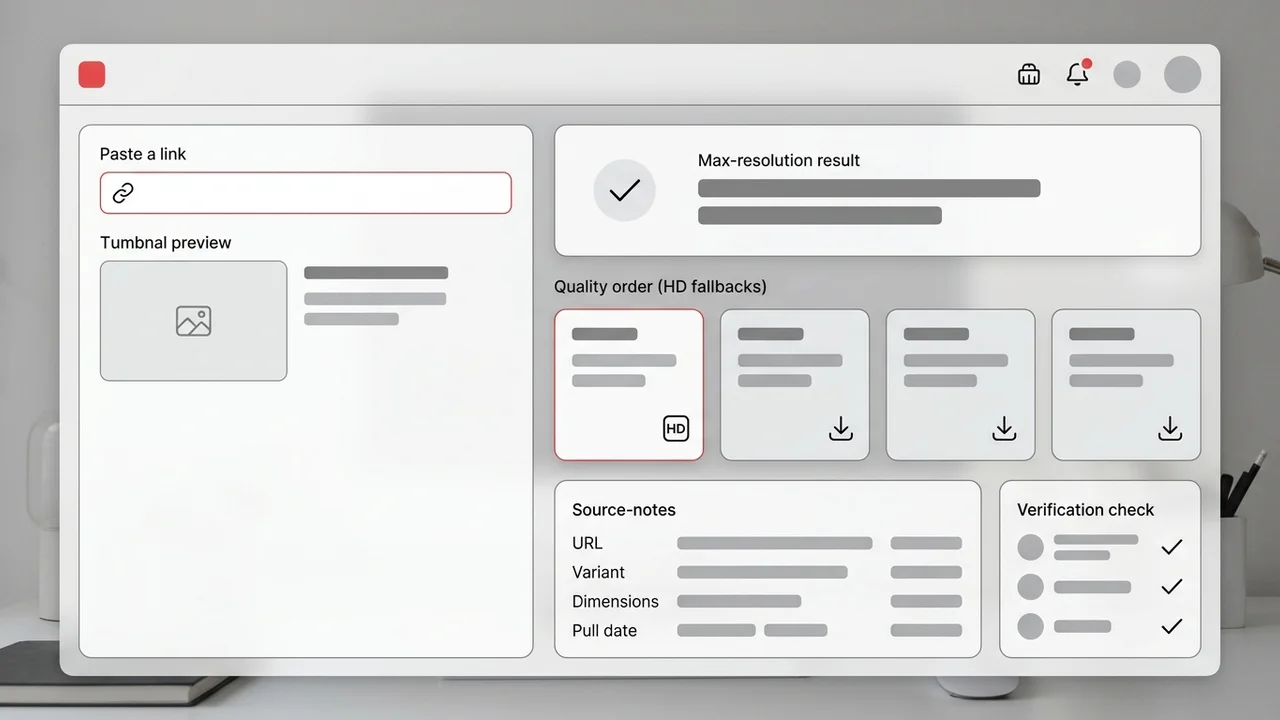
YouTube thumbnail max resolution usually means the largest public thumbnail variant YouTube exposes for a video, commonly maxresdefault at 1280 x 720 when available. A reliable workflow tests that variant first, verifies that it really loads, falls back honestly when it does not, and saves source notes so the file can support audits, briefs, or refresh decisions.
Key takeaways
- Max resolution means the largest public variant available for that video, not a guaranteed 4K original.
- Check maxresdefault first, then use SD, HQ, or MQ only when the larger public file is unavailable.
- Do not upscale smaller fallback images and present them as true HD thumbnail downloads.
- Keep the source URL, variant, dimensions, and pull date beside files used in audits or briefs.
Published: 2026-06-30 Last updated: 2026-07-01 Author: jackyi Reviewed by: YThumbPro editorial review
AI-assisted writing disclosure: this article was drafted with AI assistance and reviewed for accuracy, originality, and YThumbPro product fit by the YThumbPro editorial team.
youtube thumbnail max resolution searches usually come from one practical problem: you want the cleanest public thumbnail file for a video, but you do not want fake HD labels, blurry screenshots, or upscaled fallbacks. This guide shows the workflow I use in YThumbPro: check maxresdefault first, verify the real result, use fallbacks honestly, and keep source notes that make the image useful later.
YouTube thumbnail max resolution usually means the largest public thumbnail variant YouTube exposes for a video, commonly maxresdefault at 1280 x 720 when available. A reliable workflow tests that variant first, verifies that it really loads, falls back honestly when it does not, and saves source notes so the file can support audits, briefs, or refresh decisions.
YouTube Thumbnail Max Resolution: What It Really Means
Max resolution is not the same as the creator's original design file. It means the largest public thumbnail image YouTube makes available for that video URL.
For many normal uploads, the first file to test is maxresdefault. When it exists, it is usually the cleanest public 16:9 thumbnail for downloader, audit, and redesign workflows. When it does not exist, a trustworthy downloader should show a fallback instead of pretending the fallback is full HD.
That distinction matters for creator work. A client audit needs to know whether a file came from a true large public variant, a smaller fallback, or a page screenshot. Without that note, teams can make design decisions from soft or misleading evidence.
YouTube Thumbnail Maxresdefault Checks Before Download
A youtube thumbnail maxresdefault workflow should start by normalizing the URL into a video ID. Watch URLs, Shorts URLs, mobile links, embed URLs, and raw IDs can all point to the same public thumbnail variants.
Use this quick sequence:
- Copy the public video URL or video ID.
- Paste it into YThumbPro or the HD thumbnail downloader.
- Test maxresdefault first.
- Confirm the image actually loads and is not a broken placeholder.
- Save the file with source URL, variant, dimensions, and pull date.
This is the information-gain step many generic tools skip. The best file is not only the largest visible image; it is the largest image you can explain later.
YouTube Thumbnail HD Download Fallback Table
Not every video exposes the same public image set. A good youtube thumbnail HD download workflow should show the real result and label fallback quality clearly.
| Variant to test | What it usually means | How to use it |
|---|---|---|
| maxresdefault | Largest common 16:9 public thumbnail | Best for audits, briefs, and side-by-side review |
| sddefault | Medium fallback when the largest file is missing | Useful for source confirmation and rough comparison |
| hqdefault | Smaller public preview image | Good for quick research boards, not detailed critique |
| mqdefault | Lightweight mobile-style preview | Use only when a small reference is enough |
Do not upscale hqdefault and call it max resolution. Upscaling can increase pixel dimensions, but it cannot restore detail in text edges, faces, products, or background elements.
Quality Notes for Creator Audits
When I review thumbnail files for refresh work, I keep a source note beside each image. The note is simple: video URL, loaded variant, visible dimensions, pull date, channel or topic, and intended use.
Those notes prevent two common mistakes. First, teammates do not confuse a public preview file with the creator's editable source export. Second, a competitor research board does not imply permission to reuse another channel's artwork.
Quality notes also make AI review more useful. If a file is only a fallback, the YouTube Thumbnail Analyzer should be used for visible readiness signals, not for judging fine visual detail that the source file never contained.
When Max Resolution Should Become Analysis
Downloading the largest public thumbnail answers "what image can I save?" Analysis answers "does this thumbnail work for a viewer?" Those are related but separate jobs.
Move from download to analysis when the image affects a real creator decision:
- You are choosing whether an old video needs a thumbnail refresh.
- You are preparing a client audit with visual evidence.
- You are comparing competitor packaging patterns.
- You are testing whether text stays readable at mobile size.
- You are checking whether the title promise and thumbnail promise match.
For more context, read the YouTube thumbnail extractor guide, the 4K download guide, and the thumbnail size FAQ. These pages explain why public variants, dimensions, and rights context should stay attached to every saved file.
Conclusion
A youtube thumbnail max resolution workflow should find the largest real public image, verify it before saving, and label fallback files honestly. Start with maxresdefault, avoid fake upscaling claims, and keep source notes so the image can support a real creator audit or refresh decision.
Ready to test a video? Use YThumbPro, open the HD thumbnail downloader, or analyze the saved image with the YouTube Thumbnail Analyzer.
Frequently Asked Questions
Q: What is YouTube thumbnail max resolution?
It is the largest public thumbnail image YouTube exposes for a video. For many videos that is maxresdefault at 1280 x 720, but some videos only expose smaller fallback images.
Q: Is maxresdefault always available?
No. Maxresdefault can be missing for older uploads, low-resolution videos, Shorts, deleted videos, private videos, or videos that never received a large custom thumbnail.
Q: Can I get a 4K YouTube thumbnail?
Usually no. YouTube thumbnails are commonly served as 16:9 public preview images rather than full 4K design exports. Use the largest real variant and avoid fake upscaling claims.
Q: How do I save the highest quality YouTube thumbnail?
Paste the public video URL into a downloader, test maxresdefault first, verify the loaded image, then save the clean file with the source URL and variant notes.
About the Author
jackyi is a YouTube growth and thumbnail optimization practitioner focused on practical creator workflows. YThumbPro articles are written with AI assistance, edited for originality, and reviewed against product behavior before publication.
Next action
Use this guide on a real YouTube thumbnail
Paste a video URL, download the available thumbnail sizes, then decide whether the image needs a deeper AI readiness review.
Step-by-step guide
- 1
Copy the public video URL
Use a watch URL, Shorts URL, mobile share link, embed URL, playlist URL with a video ID, or raw 11-character video ID.
- 2
Open the HD downloader
Paste the link into YThumbPro so the workflow can normalize the video ID and check real public thumbnail variants.
- 3
Test maxresdefault first
Load the largest common 16:9 public variant before checking smaller fallback images.
- 4
Verify the result
Confirm the image loads cleanly, has enough detail for the task, and is not just a screenshot or upscaled fallback.
- 5
Save with source notes
Record the source URL, variant name, visible dimensions, pull date, and intended use beside the downloaded file.
Frequently asked questions
What is YouTube thumbnail max resolution?
It is the largest public thumbnail image YouTube exposes for a video. For many videos that is maxresdefault at 1280 x 720, but some videos only expose smaller fallback images.
Is maxresdefault always available?
No. Maxresdefault can be missing for older uploads, low-resolution videos, Shorts, deleted videos, private videos, or videos that never received a large custom thumbnail.
Can I get a 4K YouTube thumbnail?
Usually no. YouTube thumbnails are commonly served as 16:9 public preview images rather than full 4K design exports. Use the largest real variant and avoid fake upscaling claims.
How do I save the highest quality YouTube thumbnail?
Paste the public video URL into a downloader, test maxresdefault first, verify the loaded image, then save the clean file with the source URL and variant notes.