YouTube Thumbnail Download No Registration: 2026 Guide
Use youtube thumbnail download no registration workflows to save public thumbnails fast, without creating an account or installing software.
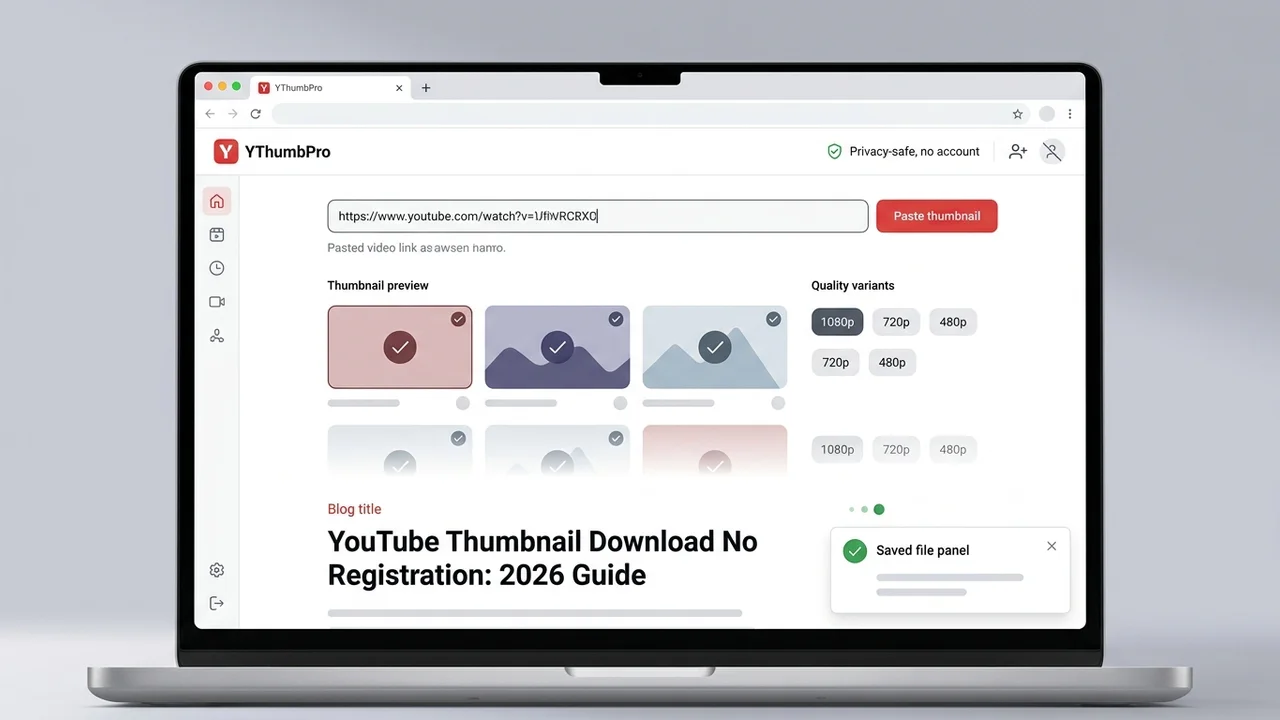
Direct answer
A youtube thumbnail download no registration workflow lets you paste a public YouTube URL, check the available thumbnail variants, and save the best working image without creating an account. YThumbPro keeps the first step account-free so creators can move quickly, then reserves sign-in for saved history, bulk work, and deeper analysis features.
Key takeaways
- Use a no-registration downloader when you need one public thumbnail quickly and do not need saved history.
- Check the actual thumbnail variant before calling an image HD, 4K, or maximum resolution.
- Avoid tools that require a login before they show whether the video exposes a usable public thumbnail.
- Create an account only when you need repeatable audits, saved results, bulk workflows, or AI analysis history.
- For weekly SEO hygiene, confirm the page is crawlable, internally linked, and present in the sitemap after publishing.
Published: 2026-06-24 Last updated: 2026-06-24 Author: jackyi Reviewed by: YThumbPro editorial review
AI-assisted writing disclosure: this article was drafted with AI assistance and reviewed for accuracy, originality, and YThumbPro product fit by the YThumbPro editorial team.
A youtube thumbnail download no registration workflow is the right choice when you need one public thumbnail quickly and do not want to create another account. This guide explains the account-free workflow I use in YThumbPro, how to verify real thumbnail quality, when no-login tools are enough, and when saved history or AI analysis becomes worth signing in for.
A youtube thumbnail download no registration workflow lets you paste a public YouTube URL, check the available thumbnail variants, and save the best working image without creating an account. YThumbPro keeps the first step account-free so creators can move quickly, then reserves sign-in for saved history, bulk work, and deeper analysis features.
YouTube Thumbnail Download No Registration Workflow
The best no-registration workflow is short, but it still needs quality checks. Speed is useful only when the downloaded file is the real public thumbnail and the tool is honest about fallbacks.
Use this process for a fast one-off save:
- Copy a public YouTube video URL, Shorts URL, mobile share link, embed URL, or raw video ID.
- Open YThumbPro or the HD thumbnail downloader.
- Paste the link without signing in.
- Let the downloader check the public thumbnail variants.
- Save the largest working image and keep the source URL if you need an audit trail.
This is different from a gated tool that asks for registration before showing the result. For a single public thumbnail, the tool should prove it can find the image before it asks for anything else.
Download YouTube Thumbnail Without Login: Safety Checks
To download youtube thumbnail without login safely, pay attention to what the tool asks for. A public thumbnail downloader does not need your YouTube password, channel access, OAuth permissions, or browser-wide extension access just to fetch a public preview image.
Use this safety checklist before trusting a no-login downloader:
| Check | Good signal | Warning signal |
|---|---|---|
| Account requirement | Download works before sign-in | Registration blocks the first preview |
| Permissions | No YouTube account access requested | Tool asks for channel or password access |
| File labeling | Variant and quality are clear | Every result is called HD or 4K |
| URL handling | Supports normal, Shorts, mobile, embed, and raw ID inputs | Breaks on common share links |
| Next step | Optional analysis after download | Forced upsell before basic output |
YThumbPro keeps the first thumbnail download path public because the first job is simple: parse the video ID, check variants, and let you save the best working image. Sign-in becomes useful later, not at the first paste.
Free YouTube Thumbnail Downloader Quality Rules
A free youtube thumbnail downloader should not overpromise resolution. YouTube exposes several public thumbnail files, but availability varies by video, age, upload behavior, and whether the video is public.
Before you use a downloaded thumbnail in a brief, research board, or client note, record four details:
- Original video URL or video ID
- Download date
- Thumbnail variant or quality label
- Actual pixel dimensions when available
That record gives the workflow information gain beyond a generic download. If a teammate asks why a thumbnail is smaller than expected, you can show whether the source video lacked a larger public file or whether the downloader simply fell back.
For maximum-size questions, use the 4K download guide. For practical one-off saves, start with the no-registration workflow and only move deeper when quality becomes the main decision.
When Registration Is Worth It
No-registration download is ideal for fast, low-risk tasks: saving a reference image, checking a competitor's public creative, or building a quick swipe file. It is not always enough for repeatable growth work.
Create an account when you need:
- Saved analysis history across multiple thumbnails
- Bulk download or recurring channel research
- Team review notes or client audit trails
- AI scoring for mobile readability, contrast, focal clarity, and expectation match
- Repeatable weekly reporting instead of one-off files
The boundary matters. A no-login downloader should solve the immediate download job. A signed-in workspace should support recurring decisions. Mixing those two too early creates friction for creators who only need one image.
Weekly Review: Indexing, Links, Images, and CTAs
Because this is Day 7 of the publishing run, I also use a lightweight weekly review before marking the article complete. The live checks for this cluster should answer five questions after publishing:
- Does the new article return 200 and appear in the blog index?
- Is the article listed in
/sitemap.xmlfor crawl discovery? - Does the hero image load as a real WebP asset?
- Do internal links point to public crawlable pages such as
/,/download/hd, and related blog guides? - Is the primary CTA account-free first, with sign-in reserved for saved history or analysis?
This review keeps the download cluster focused. It also avoids a common SEO problem: publishing many similar pages without checking crawlability, image loading, internal links, and conversion path clarity.
Conclusion
Use youtube thumbnail download no registration when you need one public thumbnail fast and do not need saved history. Paste the URL, verify the largest working public variant, save the file, and move into YThumbPro analysis only when the thumbnail affects a publishing, refresh, or client decision.
Ready to try it? Start with the free YouTube thumbnail downloader, use the HD downloader for common high-quality saves, or compare maximum public variants with the 4K downloader.
Frequently Asked Questions
Q: Can I download a YouTube thumbnail without registration?
Yes. For public videos, you can paste the video URL into a no-registration downloader and save the available thumbnail image without creating an account.
Q: Is downloading a YouTube thumbnail without login safe?
It is safer when the tool does not ask for your YouTube password, browser extension permissions, or unrelated personal data. Use public URLs and avoid tools that request account access just to show a thumbnail.
Q: Why do some no-registration downloaders return a small image?
Not every video exposes every public thumbnail variant. A trustworthy downloader should show the largest working file and label fallback quality honestly.
Q: When should I create a YThumbPro account?
Create an account when you need saved analysis history, repeated audits, bulk workflows, or team review. Single-thumbnail download workflows can stay account-free.
About the Author
jackyi is a YouTube growth and thumbnail optimization practitioner focused on practical creator workflows. YThumbPro articles are written with AI assistance, edited for originality, and reviewed against product behavior before publication.
Next action
Use this guide on a real YouTube thumbnail
Paste a video URL, download the available thumbnail sizes, then decide whether the image needs a deeper AI readiness review.
Step-by-step guide
- 1
Copy a public YouTube URL
Use a regular video URL, Shorts URL, mobile share link, embed URL, or raw video ID.
- 2
Open the no-registration downloader
Start from the public YThumbPro downloader without signing in.
- 3
Paste the URL
Let the tool normalize the URL and check public thumbnail variants.
- 4
Save the best working image
Download the largest real thumbnail file and record the variant if you are using it for an audit.
- 5
Analyze only when needed
Move into AI analysis or saved history when the thumbnail affects a publishing or client decision.
Frequently asked questions
Can I download a YouTube thumbnail without registration?
Yes. For public videos, you can paste the video URL into a no-registration downloader and save the available thumbnail image without creating an account.
Is downloading a YouTube thumbnail without login safe?
It is safer when the tool does not ask for your YouTube password, browser extension permissions, or unrelated personal data. Use public URLs and avoid tools that request account access just to show a thumbnail.
Why do some no-registration downloaders return a small image?
Not every video exposes every public thumbnail variant. A trustworthy downloader should show the largest working file and label fallback quality honestly.
When should I create a YThumbPro account?
Create an account when you need saved analysis history, repeated audits, bulk workflows, or team review. Single-thumbnail download workflows can stay account-free.