YouTube Thumbnail Download on iPad: 2026 Workflow Guide
YouTube thumbnail download on iPad: copy the share link, save the best public image, choose PNG/JPG, organize Files, and try YThumbPro free now.
Direct answer
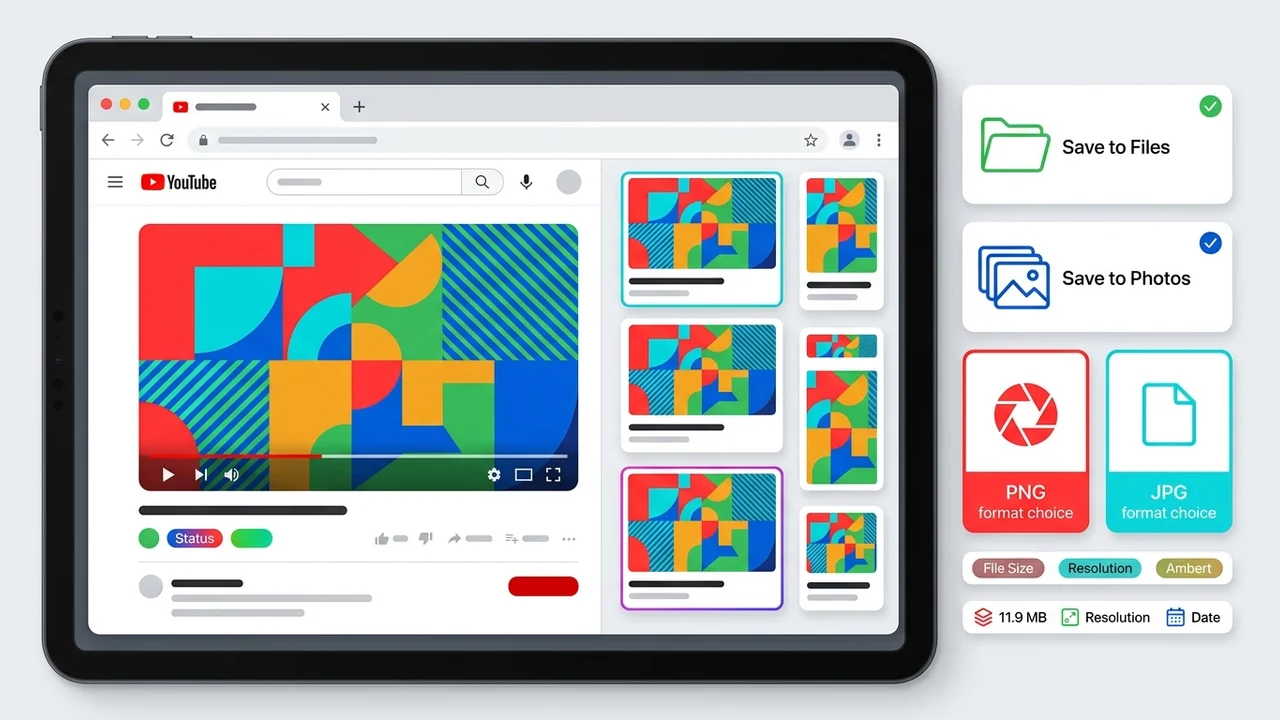
For YouTube thumbnail download on iPad, copy the video or Shorts share link from the YouTube app, open YThumbPro in Safari or Chrome, paste the URL, load the public thumbnail variants, and save the largest real image to Files, Photos, or a design app. Use PNG when the thumbnail will be annotated or edited, JPG when it needs fast sharing, and keep the source URL with the saved file.
Key takeaways
- Use the YouTube app share link on iPad instead of rebuilding video URLs by hand.
- Save the largest real public thumbnail variant that loads; do not rely on fake upscale labels.
- Choose Files for organized creator work, Photos for quick reference, and design apps for editing.
- Keep the video URL, dimensions, saved format, and date beside thumbnails used for audits or briefs.
Published: 2026-07-08 Last updated: 2026-07-08 Author: jackyi Reviewed by: YThumbPro editorial review
AI-assisted writing disclosure: this article was drafted with AI assistance and reviewed for accuracy, originality, and YThumbPro product fit by the YThumbPro editorial team.
youtube thumbnail download on iPad is usually a fast creator workflow: you have the YouTube app open, you need the thumbnail image now, and you want it saved somewhere useful. This guide shows the iPad workflow I use for YThumbPro reviews: copy the share link, load the best public thumbnail, save it to the right place, choose PNG or JPG honestly, and keep source notes for later.
For YouTube thumbnail download on iPad, copy the video or Shorts share link from the YouTube app, open YThumbPro in Safari or Chrome, paste the URL, load the public thumbnail variants, and save the largest real image to Files, Photos, or a design app. Use PNG when the thumbnail will be annotated or edited, JPG when it needs fast sharing, and keep the source URL with the saved file.
YouTube Thumbnail Download on iPad
A youtube thumbnail download workflow on iPad should start with the app share link. The share sheet gives you the cleanest input, and it avoids mistakes that happen when people manually rewrite mobile URLs.
Use this iPad sequence:
- Open the video or Short in the YouTube app.
- Tap Share and copy the link.
- Open YThumbPro or the mobile thumbnail downloader in Safari or Chrome.
- Paste the link and load the available public thumbnail variants.
- Save the largest real thumbnail that loads to Files, Photos, or your design app.
That last phrase matters. The largest real image is the one that actually loads, not the one promised by a label. Some videos do not expose every possible public thumbnail size.
How to Download YouTube Thumbnail Files Cleanly
how to download youtube thumbnail files cleanly depends on the destination. iPad makes it easy to save an image quickly, but creator work benefits from a little structure.
| iPad goal | Best destination | Best format | Why it works |
|---|---|---|---|
| Quick reference | Photos | JPG | Easy to view, share, and compare quickly |
| Creator archive | Files | Original plus PNG | Keeps source context and edit flexibility |
| Design markup | Design app or Files | PNG | Better for annotation and repeated edits |
| Client report | Files or document app | JPG | Smaller and easier to attach |
If the thumbnail will be reviewed, edited, or sent to a designer, save it in Files first. Files lets you create a folder for the channel, video ID, date, format, and notes.
For format-specific decisions, use PNG thumbnail download, JPG thumbnail download, or the broader convert YouTube thumbnail to image workflow.
YouTube Thumbnail Download Mobile for Shorts and Tablets
youtube thumbnail download mobile workflows often break when a Shorts link is edited by hand. On iPad, copy the Shorts link directly from the YouTube app and paste it into the downloader as-is.
If the thumbnail does not load, check four things:
- The video or Short is public.
- The copied URL includes a valid video identifier.
- The video is not deleted, private, restricted, or still processing.
- The requested thumbnail size actually exists for that video.
This same principle applies to iPhone and Android. If you are comparing device workflows, use the iPhone downloader and Android downloader pages from the same mobile cluster.
Save, Organize, and Convert iPad Thumbnails
Saving the thumbnail is only half of the job. A useful thumbnail file should remain traceable after the first download.
For every thumbnail used in a creator audit or brief, record:
- Public video URL or video ID
- Saved date and review date
- Original dimensions and final dimensions
- Source format and export format
- Intended use: reference, edit, report, competitor research, or owned-channel archive
When a file needs editing, convert a copy to PNG and keep the original. When a file only needs to travel in a report or message, JPG is usually enough. If you need a deeper format comparison, start with the YouTube thumbnail to PNG guide.
Responsible iPad Thumbnail Use
Use this workflow for your own channel assets, client approvals, editorial notes, and internal research. If you save competitor thumbnails, treat them as reference material, not reusable artwork.
Official references help keep the workflow honest. YouTube documents thumbnail requirements in YouTube Help, Apple explains iPad file organization in its Files guidance, and Google explains image context in Search Central image SEO best practices.
When the saved image affects a publishing decision, review it in the YouTube Thumbnail Analyzer. A thumbnail that looks clear on an iPad can still fail at small mobile feed size.
Conclusion
A youtube thumbnail download workflow on iPad should be fast, organized, and honest about source quality. Copy the share link, save the largest public thumbnail that actually loads, choose PNG or JPG for the real next step, and keep source notes when the file supports creator work.
Ready to save from a tablet? Start with the mobile thumbnail downloader, compare PNG thumbnail download, or check readability in the YouTube Thumbnail Analyzer.
Frequently Asked Questions
Q: Can I download a YouTube thumbnail on iPad without an app?
Yes. Copy the YouTube app share link, open YThumbPro in Safari or Chrome, paste the URL, and save the loaded public thumbnail. A separate downloader app is not required.
Q: Where should I save YouTube thumbnails on iPad?
Use Files for organized creator projects because folders can include the video URL, date, format, and notes. Photos is better for quick reference or sharing.
Q: Does youtube thumbnail download mobile work with Shorts?
Yes, if the Shorts link maps to a public video ID and YouTube exposes a thumbnail. Copy the Shorts share link directly from the app instead of editing the URL manually.
Q: Should I save iPad thumbnails as PNG or JPG?
Use PNG when you plan to annotate, crop, or edit the thumbnail. Use JPG when the file needs smaller size, broad compatibility, or quick sharing in messages and documents.
About the Author
jackyi is a YouTube growth and thumbnail optimization practitioner focused on practical creator workflows. YThumbPro articles are written with AI assistance, edited for originality, and reviewed against product behavior before publication.
Next action
Use this guide on a real YouTube thumbnail
Paste a video URL, download the available thumbnail sizes, then decide whether the image needs a deeper AI readiness review.
Step-by-step guide
- 1
Copy the YouTube share link
Open the video or Short in the YouTube app on iPad, tap Share, and copy the link exactly as provided.
- 2
Paste the link into YThumbPro
Open Safari or Chrome, paste the URL into YThumbPro, and load the public thumbnail variants.
- 3
Choose the best available variant
Select the largest real thumbnail that loads rather than trusting quality labels that may describe unavailable images.
- 4
Save to the right destination
Use Files for project folders, Photos for quick reference, or a design app when the thumbnail needs immediate markup.
- 5
Record source notes
Keep the source URL, video ID, dimensions, save date, file format, and intended use with any thumbnail used for creator work.
Frequently asked questions
Can I download a YouTube thumbnail on iPad without an app?
Yes. Copy the YouTube app share link, open YThumbPro in Safari or Chrome, paste the URL, and save the loaded public thumbnail. A separate downloader app is not required.
Where should I save YouTube thumbnails on iPad?
Use Files for organized creator projects because folders can include the video URL, date, format, and notes. Photos is better for quick reference or sharing.
Does youtube thumbnail download mobile work with Shorts?
Yes, if the Shorts link maps to a public video ID and YouTube exposes a thumbnail. Copy the Shorts share link directly from the app instead of editing the URL manually.
Should I save iPad thumbnails as PNG or JPG?
Use PNG when you plan to annotate, crop, or edit the thumbnail. Use JPG when the file needs smaller size, broad compatibility, or quick sharing in messages and documents.