Save YouTube Thumbnail on PC: 2026 Safe Workflow
Save youtube thumbnail files on PC with clean URL parsing, honest quality checks, and source notes for creator audits. Try it now.
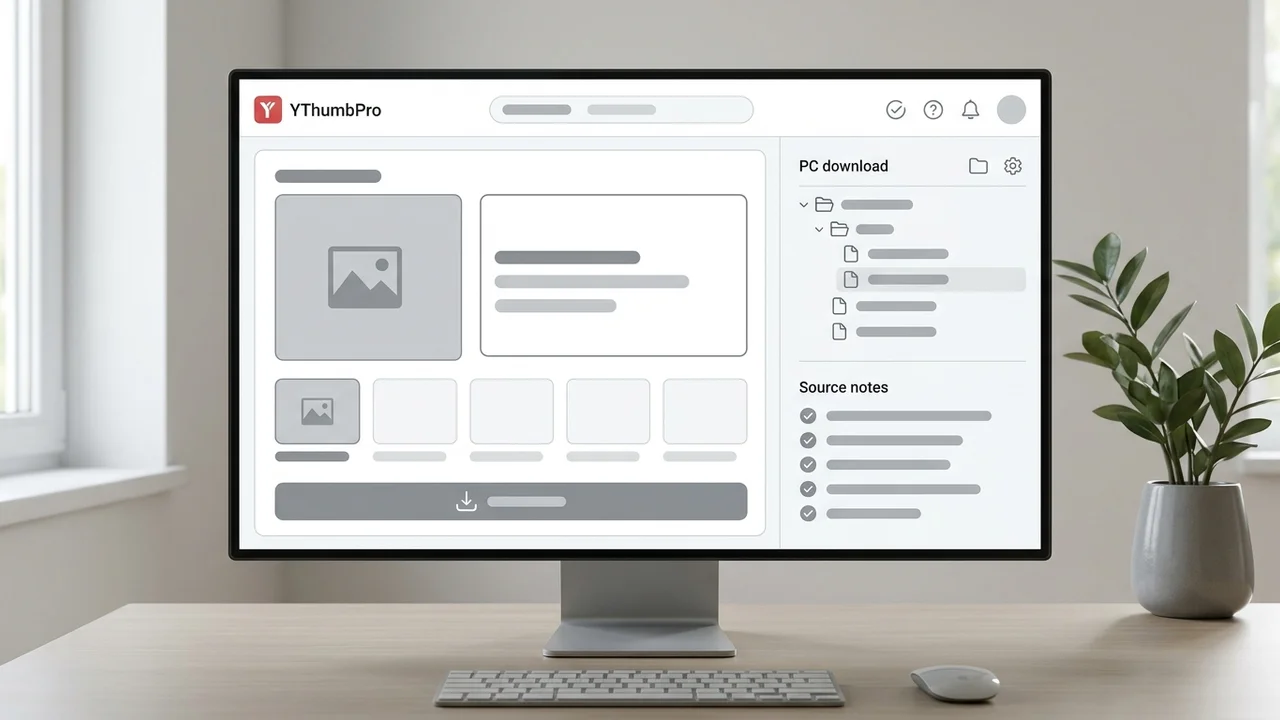
Direct answer
To save YouTube thumbnail files on a PC, copy the public video URL, paste it into a thumbnail saver, choose the largest real variant that loads, then save the file with source notes. The safest workflow avoids screenshots, avoids fake upscaling, and keeps the video URL, variant, dimensions, and pull date beside the downloaded image.
Key takeaways
- Use the public video URL or video ID instead of taking a browser screenshot.
- Check the largest real thumbnail variant first, then label any fallback honestly.
- Save source notes with every downloaded file so audits and redesign briefs stay traceable.
- Do not reuse another creator's thumbnail artwork without permission.
Published: 2026-07-01 Last updated: 2026-07-01 Author: jackyi Reviewed by: YThumbPro editorial review
AI-assisted writing disclosure: this article was drafted with AI assistance and reviewed for accuracy, originality, and YThumbPro product fit by the YThumbPro editorial team.
save youtube thumbnail searches usually come from a simple PC workflow: you found a public video thumbnail and need the clean image file, not a blurry screenshot. This guide shows the process I use in YThumbPro: copy the URL, choose the largest real variant, save the file with traceable notes, and use the image responsibly for research or creator audits.
To save YouTube thumbnail files on a PC, copy the public video URL, paste it into a thumbnail saver, choose the largest real variant that loads, then save the file with source notes. The safest workflow avoids screenshots, avoids fake upscaling, and keeps the video URL, variant, dimensions, and pull date beside the downloaded image.
Save YouTube Thumbnail on PC Without Screenshots
The cleanest PC workflow starts with the video URL, not the browser viewport. Screenshots can include scaling, compression, black bars, browser UI, or a paused-video frame that is not the actual thumbnail.
Paste the public URL into YThumbPro or the HD thumbnail downloader. The tool should normalize watch links, Shorts links, mobile share links, embed URLs, playlist URLs with a video ID, and raw video IDs before checking public thumbnail variants.
This matters when the saved file will be used in a client audit or redesign brief. A direct public thumbnail file is easier to trace, cite, and compare than an image captured from the screen.
YouTube Thumbnail Saver File Naming System
A youtube thumbnail saver workflow is only useful if the saved files remain understandable later. I use a plain naming pattern: topic or channel, video ID, variant, and pull date.
Use this simple folder system:
- Create one folder per audit, channel, or project.
- Save the thumbnail with the video ID in the file name.
- Add the variant, such as maxresdefault, sddefault, or hqdefault.
- Keep a notes file with the source URL and the reason you saved it.
- Mark whether the image is for reference, redesign planning, or competitor research.
The notes take less than a minute, but they prevent confusion when a team reviews dozens of files weeks later.
Download YouTube Thumbnail Quality Checks
A download youtube thumbnail workflow should label image quality honestly. Start with the largest public variant that loads, then step down only when the larger file is missing or broken.
| Check | What to confirm | Why it matters |
|---|---|---|
| Variant | Which public image loaded | Prevents fallback files from being mislabeled |
| Dimensions | Whether the file is large enough for review | Avoids design decisions from tiny previews |
| Sharpness | Whether faces, text, and products stay readable | Reveals if the file is useful for audit work |
| Source URL | Which video produced the image | Keeps the audit traceable |
Do not upscale a small fallback and call it HD. Upscaling can make a file bigger, but it does not restore detail in text edges, faces, product shots, or background elements.
Rights and Reference Notes for Saved Thumbnails
Saving a public thumbnail for reference does not mean you own the artwork. Use saved thumbnails to understand packaging patterns, compare mobile readability, or prepare original creative briefs.
For competitor research, write notes about the pattern instead of copying the design. For example, record "large face crop with two-word contrast text" or "product proof on left, outcome on right." That turns the saved image into learning without cloning another creator's assets.
If you are working on your own channel, saved thumbnails are useful for refresh decisions. Pair the file with the video title, publish date, and performance context before deciding whether a redesign is worth the effort.
From Saved File to Creator Decision
The save step is only the beginning. After you save the file, decide whether you need analysis, redesign, or a simple archive.
Use YouTube Thumbnail Analyzer when the image affects a publishing decision. Use the YouTube thumbnail extractor guide when you need a repeatable extraction process. Use the max resolution guide when you need to explain variant quality to a client or teammate.
For quick sizing questions, the YouTube thumbnail size FAQ explains why maxresdefault often matters and why some videos only expose smaller fallback files.
Conclusion
A save youtube thumbnail workflow should produce a clean file and a clean audit trail. Copy the video URL, save the largest real public variant, label fallback quality honestly, and keep source notes so the thumbnail remains useful after the first download.
Ready to try it? Open YThumbPro, use the HD thumbnail downloader, or run a saved file through the YouTube Thumbnail Analyzer.
Frequently Asked Questions
Q: How do I save a YouTube thumbnail on PC?
Copy the public video URL, paste it into a trusted thumbnail downloader, choose the largest available image, and save it to a labeled folder with the source URL and variant.
Q: Is saving a YouTube thumbnail the same as taking a screenshot?
No. A direct thumbnail save uses YouTube's public image variants, while a screenshot captures the browser view and can include scaling, compression, or interface clutter.
Q: Can I use a saved thumbnail in my own video?
Use saved thumbnails for research, reference, and audit notes. Do not copy another creator's artwork, branding, face, or protected design without permission.
Q: What is the best folder structure for saved thumbnails?
Use folders by channel, project, or audit date, then name files with the video ID, variant, and pull date so every image remains traceable.
About the Author
jackyi is a YouTube growth and thumbnail optimization practitioner focused on practical creator workflows. YThumbPro articles are written with AI assistance, edited for originality, and reviewed against product behavior before publication.
Next action
Use this guide on a real YouTube thumbnail
Paste a video URL, download the available thumbnail sizes, then decide whether the image needs a deeper AI readiness review.
Step-by-step guide
- 1
Copy the video URL
Use the public watch URL, Shorts URL, share link, embed URL, or raw 11-character video ID.
- 2
Paste it into YThumbPro
Open the downloader and let the tool normalize the URL into a video ID before checking image variants.
- 3
Choose the largest real variant
Start with the highest quality public image that loads, then use smaller variants only when needed.
- 4
Save with a clear file name
Include the video ID, variant, and date in the file name or a nearby note.
- 5
Use the file responsibly
Use the thumbnail for reference, audits, or redesign planning without copying protected creator assets.
Frequently asked questions
How do I save a YouTube thumbnail on PC?
Copy the public video URL, paste it into a trusted thumbnail downloader, choose the largest available image, and save it to a labeled folder with the source URL and variant.
Is saving a YouTube thumbnail the same as taking a screenshot?
No. A direct thumbnail save uses YouTube's public image variants, while a screenshot captures the browser view and can include scaling, compression, or interface clutter.
Can I use a saved thumbnail in my own video?
Use saved thumbnails for research, reference, and audit notes. Do not copy another creator's artwork, branding, face, or protected design without permission.
What is the best folder structure for saved thumbnails?
Use folders by channel, project, or audit date, then name files with the video ID, variant, and pull date so every image remains traceable.