Download YouTube Thumbnail Without Login: 2026 Guide
Download YouTube thumbnail without login using URL checks, no-watermark saves, honest quality labels, and creator-safe source notes. Try it now.
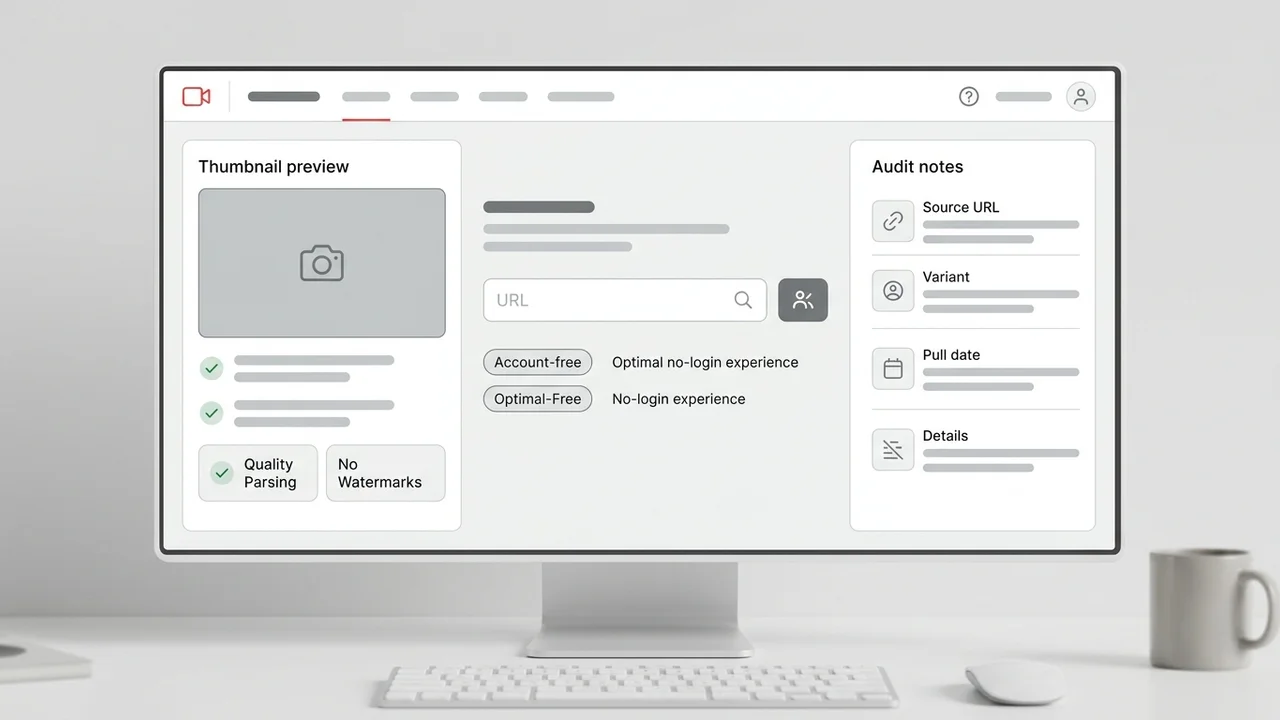
Direct answer
To download YouTube thumbnail without login, paste the public video URL into a browser-based downloader, let it normalize the video ID, verify the largest real public thumbnail variant that loads, and save the file without creating an account. Keep the video URL, variant, and pull date beside the file so the thumbnail remains useful for audits, owned-channel archives, or competitor research.
Key takeaways
- A no-login downloader should handle common YouTube URL formats before checking thumbnail variants.
- The largest real public image is more trustworthy than a fake HD or 4K label.
- Account-free workflows are best for quick reference saves, audits, and owned-channel archives.
- Source notes keep downloaded thumbnails traceable and reduce rights-context confusion later.
Published: 2026-07-05 Last updated: 2026-07-05 Author: jackyi Reviewed by: YThumbPro editorial review
AI-assisted writing disclosure: this article was drafted with AI assistance and reviewed for accuracy, originality, and YThumbPro product fit by the YThumbPro editorial team.
download youtube thumbnail without login searches usually come from a short, practical task: you found a public video and want the clean thumbnail image without creating another account. This guide shows the no-login workflow I use for YThumbPro reviews: paste the URL, verify the real image variant, save without a watermark, keep source notes, and use the file responsibly.
To download YouTube thumbnail without login, paste the public video URL into a browser-based downloader, let it normalize the video ID, verify the largest real public thumbnail variant that loads, and save the file without creating an account. Keep the video URL, variant, and pull date beside the file so the thumbnail remains useful for audits, owned-channel archives, or competitor research.
Download YouTube Thumbnail Without Login Checklist
A no-login downloader should remove friction without hiding quality details. You should not need an account just to check a public thumbnail, but the tool still needs to explain what it found.
Use this checklist before trusting the saved image:
- The tool accepts watch, Shorts, mobile, embed, playlist, and raw ID inputs.
- The largest public thumbnail variant actually loads.
- The file saves without login, watermark, extension, or forced install.
- Fallback quality is labeled honestly.
- The saved image can be traced back to the source video.
That last point is the information-gain step many quick download pages skip. A downloaded file is much more useful when a teammate can see where it came from and why it was saved.
YouTube Thumbnail Download No Registration Workflow
youtube thumbnail download no registration is the same practical intent as no-login: paste a public link, get the available image, and move on. The workflow should work in the browser without asking for a profile, email, password, or extension.
Start with the public video URL. Paste it into YThumbPro or the HD thumbnail downloader, then let the tool normalize the input into the video ID. This avoids mistakes when the source is a Shorts URL, a mobile share URL, or a playlist link with extra parameters.
After the image variants load, save the largest real option. If the highest option fails, choose the next available fallback and label it honestly. A smaller public image can still support research, but it should not be described as the original source export.
Free YouTube Thumbnail Downloader Quality Rules
A free YouTube thumbnail downloader can be simple and still be trustworthy. The important rule is that "free" should not become an excuse for fake labels, confusing ads, or hidden account gates.
| Check | Good no-login behavior | Red flag |
|---|---|---|
| URL input | Common YouTube formats and raw IDs work | Only one exact URL format works |
| Quality labels | Max, SD, HQ, and fallback states are clear | Every result is called HD |
| Download flow | File saves in the browser without account friction | Forced signup, extension, or watermark |
| Source context | URL, variant, and date can be recorded | File has no traceable context |
| Rights context | Research and owned-channel use are clear | Copying others is implied as safe |
When I review no-login tools, I check whether the workflow helps the user understand the file. A clean fallback with source notes is better than a vague "HD" button that hides what was actually downloaded.
Safe Uses for Account-Free Thumbnail Saves
No-login downloads are useful for quick tasks: saving your own channel archive, preparing a client audit, comparing competitor packaging patterns, or collecting visual references before a redesign.
Use downloaded thumbnails as evidence, not permission slips. For competitor research, write pattern notes instead of copying artwork. For example, record "large product proof on the left" or "two-word contrast text beside a face crop." That turns a saved thumbnail into learning without cloning another creator's asset.
For your own channel, pair the file with title, publish date, traffic source, and refresh reason. That context makes the download useful when you later decide whether to redesign, test, or leave the thumbnail alone.
When No-Login Download Should Become Analysis
Downloading answers "what image can I save without an account?" Analysis answers "does this thumbnail help someone click?" Those are different jobs.
Move into the YouTube Thumbnail Analyzer when the saved image affects a publishing or refresh decision. Analysis is useful when you need to check mobile text readability, visual hierarchy, emotional clarity, title-thumbnail promise match, or whether a competitor pattern is worth adapting.
For related downloader workflows, read the no-registration guide, the free downloader guide, and the YouTube thumbnail downloader checklist. Together, those pages separate quick saving, quality verification, and creator-safe analysis.
Conclusion
A download youtube thumbnail without login workflow should be fast, account-free, and honest about image quality. Paste the public URL, verify the largest real thumbnail, save without watermark friction, and keep source notes so the file remains useful after the first download.
Ready to test one? Use YThumbPro, open the HD thumbnail downloader, or analyze a saved image with the YouTube Thumbnail Analyzer.
Frequently Asked Questions
Q: Can I download a YouTube thumbnail without login?
Yes. Public YouTube thumbnail images can usually be checked and saved in a browser without creating an account, as long as the video is public and exposes thumbnail variants.
Q: Is no-login the same as no registration?
For practical downloader workflows, yes. Both mean you can paste a public video URL and save the available thumbnail image without signing up, installing an extension, or opening a dashboard.
Q: Why does a no-login downloader sometimes show only small images?
Some videos do not expose a large public thumbnail variant. A trustworthy downloader should show the available fallback honestly instead of labeling every result as HD.
Q: Can I reuse a downloaded thumbnail in my own video?
Use downloaded thumbnails for research, audits, and your own content records unless you own the image or have permission. Copying another creator's artwork can create copyright and brand problems.
About the Author
jackyi is a YouTube growth and thumbnail optimization practitioner focused on practical creator workflows. YThumbPro articles are written with AI assistance, edited for originality, and reviewed against product behavior before publication.
Next action
Use this guide on a real YouTube thumbnail
Paste a video URL, download the available thumbnail sizes, then decide whether the image needs a deeper AI readiness review.
Step-by-step guide
- 1
Copy the public video URL
Use a watch URL, Shorts URL, mobile share link, embed URL, playlist URL with a video ID, or the raw 11-character video ID.
- 2
Paste it into YThumbPro
Use the no-login downloader flow so the tool can normalize the URL and identify the public video ID.
- 3
Check the largest real thumbnail
Start with the largest public variant that actually loads, then label smaller fallback images honestly.
- 4
Save without account friction
Download the thumbnail without a login, watermark, browser extension, or forced install.
- 5
Record source context
Save the video URL, variant name, pull date, and intended use beside the downloaded image.
Frequently asked questions
Can I download a YouTube thumbnail without login?
Yes. Public YouTube thumbnail images can usually be checked and saved in a browser without creating an account, as long as the video is public and exposes thumbnail variants.
Is no-login the same as no registration?
For practical downloader workflows, yes. Both mean you can paste a public video URL and save the available thumbnail image without signing up, installing an extension, or opening a dashboard.
Why does a no-login downloader sometimes show only small images?
Some videos do not expose a large public thumbnail variant. A trustworthy downloader should show the available fallback honestly instead of labeling every result as HD.
Can I reuse a downloaded thumbnail in my own video?
Use downloaded thumbnails for research, audits, and your own content records unless you own the image or have permission. Copying another creator's artwork can create copyright and brand problems.