Download YouTube Thumbnail HD Free: 2026 Workflow Guide
Download YouTube thumbnail HD with no-login steps, real quality checks, source notes, and safe creator-use guidance. Try the workflow today.
Direct answer
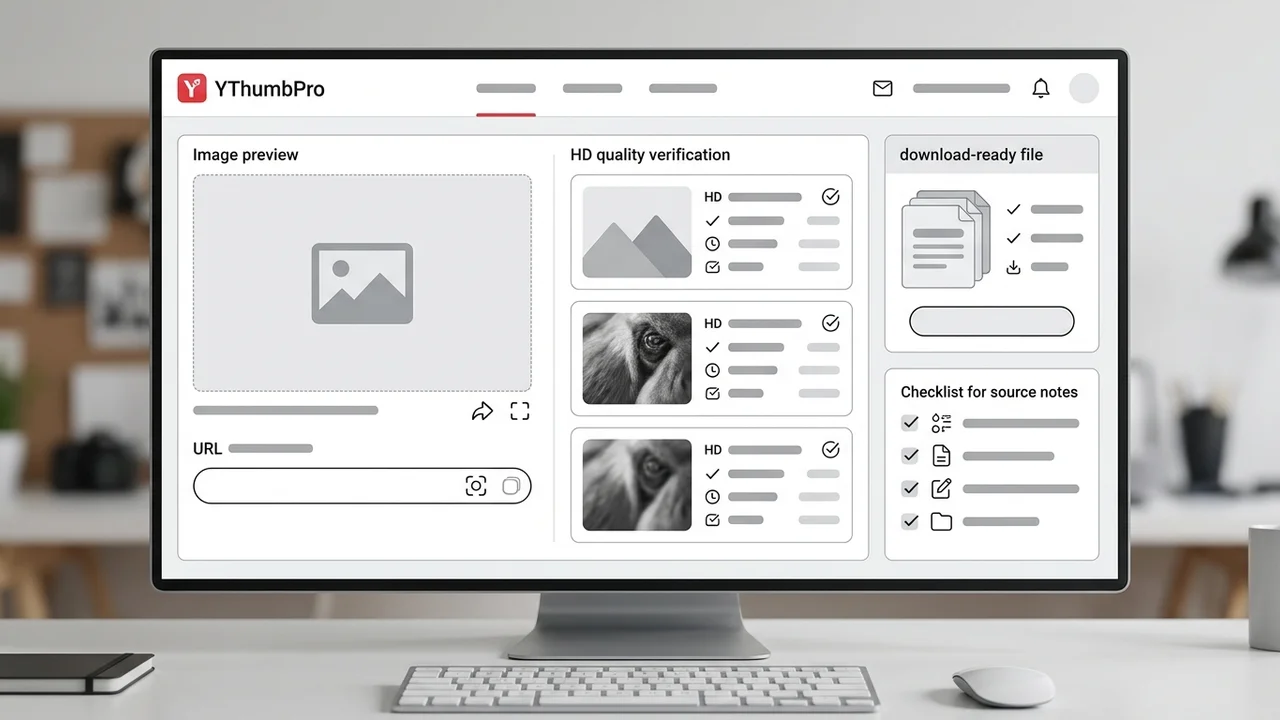
To download YouTube thumbnail HD files safely, paste the public video URL into a downloader, confirm the highest real public thumbnail variant that loads, save the file without a login or watermark, and record the video ID, image variant, and pull date. HD usually means a usable high-resolution source file, not an artificially enlarged screenshot.
Key takeaways
- HD thumbnail downloads should be verified by the actual loaded image variant, not by a button label.
- A no-login workflow is fastest when you need a clean reference file for audits, briefs, or your own channel archive.
- Source notes make downloaded thumbnails useful later because teammates can trace the video, variant, and pull date.
- Downloaded thumbnails are best used for research unless you own the video or have reuse permission.
Published: 2026-07-03 Last updated: 2026-07-03 Author: jackyi Reviewed by: YThumbPro editorial review
AI-assisted writing disclosure: this article was drafted with AI assistance and reviewed for accuracy, originality, and YThumbPro product fit by the YThumbPro editorial team.
download youtube thumbnail HD searches usually come from a practical problem: you need the clean image file, not a blurry screenshot, fake upscale, login wall, or watermark. This guide shows the workflow I use when reviewing thumbnail tools for YThumbPro: verify the real public variant, save the file cleanly, record source notes, and decide when HD is enough for creator work.
To download YouTube thumbnail HD files safely, paste the public video URL into a downloader, confirm the highest real public thumbnail variant that loads, save the file without a login or watermark, and record the video ID, image variant, and pull date. HD usually means a usable high-resolution source file, not an artificially enlarged screenshot.
Download YouTube Thumbnail HD Quality Checklist
The phrase "HD" is easy to overpromise. A useful downloader should prove quality by loading the actual public image, not by placing a bright HD badge beside every result.
Use this checklist before you trust a downloaded file:
- The tool accepts common YouTube URL formats and raw video IDs.
- The largest public image variant opens successfully.
- The output is not a player screenshot or an upscaled fallback.
- The file saves without a login, watermark, or forced extension.
- The video URL, variant name, and pull date can be recorded.
That last item is where many simple download pages fall short. If you download youtube thumbnail HD files for an audit, a redesign brief, or a competitive review, the source record is part of the work product.
YouTube Thumbnail HD Download: Step-by-Step
A repeatable youtube thumbnail HD download flow starts with the original public video URL. Copy the watch link, Shorts link, mobile share link, embed URL, playlist URL with a video ID, or the raw 11-character video ID.
Paste it into YThumbPro or the HD YouTube Thumbnail Downloader. The tool should normalize the URL, identify the video ID, and then check the available public thumbnail variants.
Save the largest real option that loads. If the max variant fails, use the next available image and label it honestly. A smaller fallback can still help with research, but it should not be described as a full-quality source file.
For clean handoff, name the file with a simple pattern such as videoid-maxresdefault-2026-07-03.webp or videoid-hqdefault-2026-07-03.webp. The exact naming is less important than keeping the ID, variant, and date together.
YouTube Thumbnail High Quality Versus Upscaled Files
youtube thumbnail high quality should mean the image has enough real detail for the job you are doing. It should not mean a small file was enlarged until it looked bigger in a download menu.
| Output type | What it means | Best use |
|---|---|---|
| Real large variant | A public YouTube thumbnail image that loads at a larger size | Creator archive, redesign brief, visual analysis |
| Honest fallback | A smaller public thumbnail when the large image is unavailable | Quick reference, metadata check, rough audit |
| Screenshot | A captured player frame, often with scaling or controls | Avoid for thumbnail source work |
| Upscaled file | A small image enlarged by software | Avoid unless clearly labeled as edited |
When I review examples for YThumbPro articles, I care more about traceability than a label. A properly recorded fallback is more trustworthy than a fake HD file with no source context.
Free HD Download Workflow for Creators
Free tools are useful when the workflow is short and honest. You should be able to download youtube thumbnail HD files without creating an account, installing a browser extension, or accepting a watermark.
For your own channel, save the HD thumbnail beside the title, publish date, and performance notes. That turns the image into an archive you can revisit before a refresh.
For competitor research, use the file as evidence for observations, not as artwork to copy. Write notes such as "large face crop with two-word contrast text" or "product result shown before the title promise." This keeps the research useful without cloning another creator's design.
If the download is part of a publishing decision, move beyond saving the file. Run it through the YouTube Thumbnail Analyzer and compare readability, contrast, emotional clarity, and title-thumbnail promise match.
When HD Is Enough and When to Check 4K
HD is enough for most quick audits, owned-channel records, and design reviews. It gives you a clear 16:9 image without requiring a larger variant that may not exist for every upload.
Check the 4K YouTube thumbnail download guide or the max resolution guide when you need extra detail for cropping, presentation decks, or side-by-side creative review. If YouTube does not expose a larger public image, do not force a fake upgrade.
For broader downloader selection, compare this workflow with the YouTube thumbnail downloader checklist. That guide covers URL parsing, no-login saving, and source records across more use cases.
Conclusion
A download youtube thumbnail HD workflow should be fast, but it should also be honest. Paste the URL, verify the largest real public variant, save the file without friction, and keep source notes so the image remains useful after the first download.
Ready to try it? Open YThumbPro, use the HD downloader, or analyze a saved thumbnail with the YouTube Thumbnail Analyzer.
Frequently Asked Questions
Q: How do I download YouTube thumbnail HD files for free?
Paste the public YouTube URL into YThumbPro, let the tool check available public variants, then save the largest real image that loads. No account is needed for the basic downloader workflow.
Q: Is HD the same as max resolution?
Not always. HD is a practical quality label for a clear 16:9 image, while max resolution depends on whether YouTube exposes a larger public variant for that specific video.
Q: Why does an HD thumbnail sometimes look soft?
Some uploads only expose smaller fallback variants, and some thumbnails were compressed before upload. A downloader can retrieve the public image, but it should not pretend a small fallback is a true HD source.
Q: Can I reuse downloaded thumbnails in my own videos?
Use downloaded thumbnails for research, audits, or your own content records unless you own the rights or have permission. Copying another creator's artwork can create copyright and brand problems.
About the Author
jackyi is a YouTube growth and thumbnail optimization practitioner focused on practical creator workflows. YThumbPro articles are written with AI assistance, edited for originality, and reviewed against product behavior before publication.
Next action
Use this guide on a real YouTube thumbnail
Paste a video URL, download the available thumbnail sizes, then decide whether the image needs a deeper AI readiness review.
Step-by-step guide
- 1
Copy the public YouTube URL
Use a normal watch link, Shorts link, mobile share URL, embed URL, playlist URL with a video ID, or a raw video ID.
- 2
Paste the URL into YThumbPro
Let the downloader normalize the link and identify the video before it checks public image variants.
- 3
Verify the largest real variant
Open the largest thumbnail option that actually loads, then avoid fake HD labels for fallback files.
- 4
Save the HD thumbnail
Download the file without a watermark, then name it with the video ID, variant, and pull date.
- 5
Add source and usage notes
Record whether the file supports a creator audit, owned-channel archive, redesign brief, or competitor research board.
Frequently asked questions
How do I download YouTube thumbnail HD files for free?
Paste the public YouTube URL into YThumbPro, let the tool check available public variants, then save the largest real image that loads. No account is needed for the basic downloader workflow.
Is HD the same as max resolution?
Not always. HD is a practical quality label for a clear 16:9 image, while max resolution depends on whether YouTube exposes a larger public variant for that specific video.
Why does an HD thumbnail sometimes look soft?
Some uploads only expose smaller fallback variants, and some thumbnails were compressed before upload. A downloader can retrieve the public image, but it should not pretend a small fallback is a true HD source.
Can I reuse downloaded thumbnails in my own videos?
Use downloaded thumbnails for research, audits, or your own content records unless you own the rights or have permission. Copying another creator's artwork can create copyright and brand problems.