Download All Thumbnails from YouTube Channel: 2026 Workflow
Download all thumbnails from YouTube channel with public URL lists, variant checks, source notes, weekly QA, and audit boards. Get started.
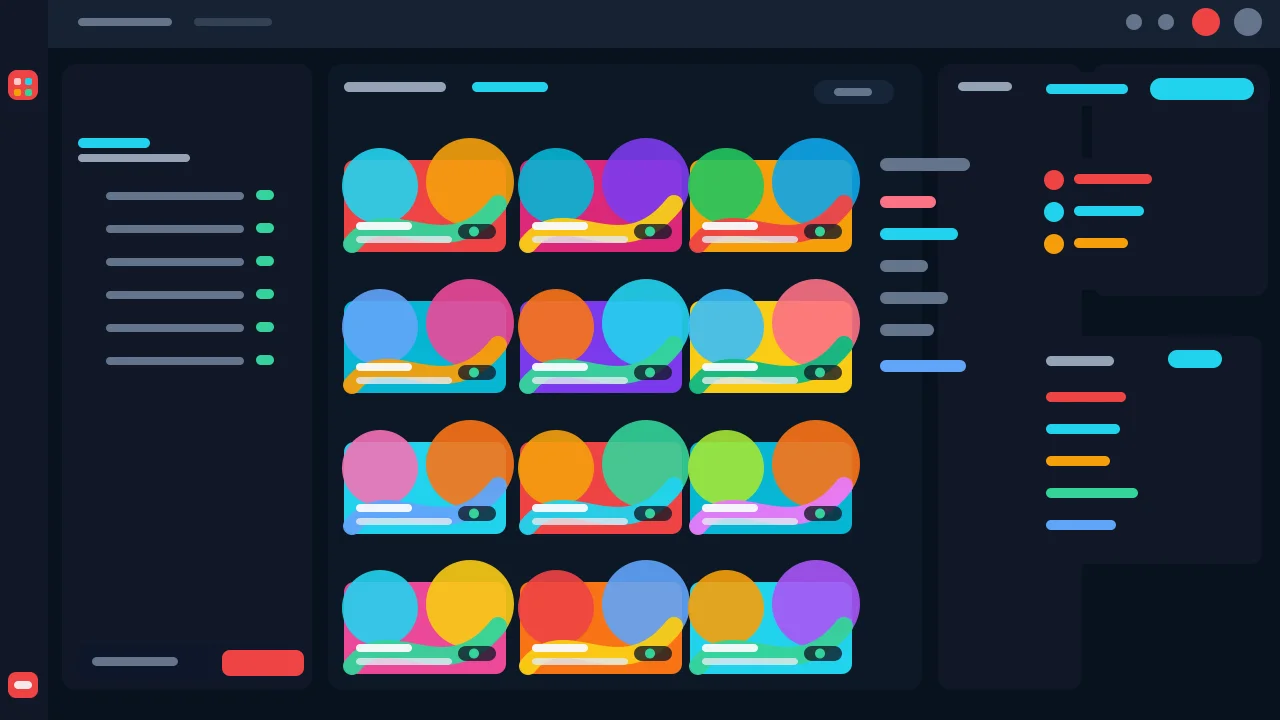
Direct answer
To download all thumbnails from YouTube channel sources, start with a focused public video URL list, check each thumbnail variant, save the largest real image that loads, and keep source notes for channel, title, video URL, variant, dimensions, pull date, and intended use. The useful output is an audit-ready board, not an unlabeled folder of images.
Key takeaways
- A channel thumbnail batch should start with a clear audit question, not blind scraping.
- Public video URLs keep every saved thumbnail traceable and easy to re-check later.
- Variant checks prevent fake HD labels when max-resolution images are unavailable.
- Source notes turn bulk collection into refresh, archive, or competitor research decisions.
- The weekly review checks crawlability, image loading, internal links, and conversion path clarity before the refresh is complete.
Published: 2026-06-05 Last updated: 2026-07-06 Author: jackyi Reviewed by: YThumbPro editorial review
AI-assisted writing disclosure: this article was drafted with AI assistance and reviewed for accuracy, originality, and YThumbPro product fit by the YThumbPro editorial team.
download all thumbnails from youtube channel searches usually mean one thing: you need a clean, traceable board of public thumbnails, not a random folder of image files. This refreshed guide shows the YThumbPro workflow I use for channel audits: define the audit question, collect public video URLs, verify real thumbnail variants, save source notes, and move only priority rows into analysis.
To download all thumbnails from YouTube channel sources, start with a focused public video URL list, check each thumbnail variant, save the largest real image that loads, and keep source notes for channel, title, video URL, variant, dimensions, pull date, and intended use. The useful output is an audit-ready board, not an unlabeled folder of images.
Download All Thumbnails from YouTube Channel Checklist
A channel batch should begin with scope. Before you save images, decide whether the board supports an owned-channel archive, a refresh audit, a competitor research set, a playlist review, or a client report.
Use this checklist before collecting thumbnails:
- The channel set has one clear audit question.
- Every row starts from a public video URL or public video ID.
- The largest thumbnail variant actually loads before it is saved.
- Each file keeps channel, title, topic, variant, dimensions, and pull date notes.
- Priority rows are marked for redesign, AI review, or competitor pattern analysis.
That fifth step is the information-gain piece many bulk guides skip. The saved image matters less than the decision it supports.
YouTube Channel Thumbnail Download Intake
youtube channel thumbnail download is different from a single thumbnail save because context compounds across rows. A single video can be checked quickly. A channel board needs enough metadata to explain why each thumbnail belongs in the batch.
Create columns for source URL, video title, channel, publish date, topic, playlist context, saved variant, dimensions, pull date, reviewer note, and intended use. If this is your own channel, add impressions, CTR, traffic source, and refresh priority from YouTube Analytics. If this is competitor research, add visible pattern notes such as "large face crop," "two-word contrast text," or "product proof."
For public collection, start with YThumbPro channel thumbnail workflows, the bulk thumbnail tool, or the YouTube thumbnail API workflow. Those internal workflows keep the batch tied to public URLs and visible thumbnail variants.
Bulk YouTube Thumbnail Download Quality Rules
bulk youtube thumbnail download saves time only when the quality labels stay honest. A channel batch may include smaller fallback images, but those files should not be renamed as max-resolution source images.
| Batch check | Good workflow | Risk to avoid |
|---|---|---|
| URL source | Public video URLs, Shorts URLs, playlist rows, or raw IDs | Unverified channel scraping claims |
| Variant result | Largest real image that loads is saved | Every image is called HD |
| File naming | Channel, topic, date, video ID, and variant stay traceable | Random file names with no source |
| Rights context | Research, audits, and owned-channel archive use are clear | Reusing another creator's artwork |
| Analysis step | Priority rows move into review | Bulk folder sits unused |
In my YThumbPro review workflow, I accept a smaller fallback if the row is only for pattern research. I do not accept a vague "HD" label unless the saved file and dimensions support it.
Turn Channel Thumbnail Boards into Decisions
After you download all thumbnails from YouTube channel sources, the next job is review. Group rows by purpose: owned-channel archive, weak-CTR refresh candidates, competitor pattern examples, playlist sequence checks, or client-report evidence.
Then scan for repeated visual signals:
- Mobile text readability
- Face or product crop strength
- Background density
- Contrast and color separation
- Title-thumbnail promise match
- Repeated category conventions
- Candidates that deserve AI analysis
This is where the board becomes useful. Use Competitor Thumbnail Analysis when the set is research-focused, or send your own priority candidates into the YouTube Thumbnail Analyzer when a redesign decision affects publishing.
Weekly SEO Review and Update Cadence
Public thumbnails can support research, audits, references, and owned-channel archives. They should not become a shortcut for copying another creator's composition, face, logo, artwork, or brand system.
For recurring channel audits, refresh the board when the channel has a new campaign, a playlist changes, a competitor set shifts, or an older upload has enough impressions to justify a thumbnail review. Keep the old pull date beside the new one so the audit shows what changed.
Because this is Day 21 of the publishing run, I also use a lightweight weekly review before marking the canonical refresh complete. The review asks five practical questions:
- Does the refreshed article return 200 and remain visible in the blog index?
- Is the article listed in
/sitemap.xmlfor crawl discovery and indexing checks? - Does the WebP hero image load as a real visual asset instead of a placeholder?
- Do internal links point to public crawlable pages such as
/tools/bulk-youtube-thumbnail-download,/download/channel-thumbnails, and related blog guides? - Is the conversion path still account-free first, with analysis and sign-in presented only after the user has a clear thumbnail decision?
Search Console and conversion-click review should happen after the live URL has enough fresh crawl and traffic data. For this refresh, the pre-publish check is crawlability, image loading, internal linking, sitemap presence, and clear CTA routing.
Official YouTube guidance explains custom thumbnail requirements in YouTube Help, while Google Search Central explains why image context matters for search visibility. For larger public URL-list workflows, the YouTube Data API search list reference is the official API starting point.
Conclusion
A download all thumbnails from youtube channel workflow should be scoped, traceable, and honest about image quality. Start with public URLs, verify real thumbnail variants, save source notes, and analyze only the rows that affect a refresh, archive, or research decision.
Ready to build a clean board? Start with the bulk thumbnail tool, use the channel thumbnail download page, or compare playlist-specific work with the playlist thumbnail guide.
Frequently Asked Questions
Q: Can I download all thumbnails from a YouTube channel?
You can build a channel-level board from public video URLs and public thumbnail variants. YThumbPro keeps the workflow scoped to visible public assets rather than promising private channel scraping.
Q: What is the safest way to organize channel thumbnails?
Use a sheet with video URL, title, channel, topic, variant, dimensions, pull date, and intended use. That makes the batch auditable and easier to update later.
Q: How is youtube channel thumbnail download different from a single save?
A single save answers one video question. A channel workflow compares many thumbnails so you can spot topic patterns, weak mobile clarity, and refresh candidates.
Q: Is bulk youtube thumbnail download useful for competitor research?
Yes, if you use it to study patterns such as framing, contrast, text length, and promise clarity. Do not copy another creator's artwork, branding, face, or protected assets.
About the Author
jackyi is a YouTube growth and thumbnail optimization practitioner focused on practical creator workflows. YThumbPro articles are written with AI assistance, edited for originality, and reviewed against product behavior before publication.
Next action
Use this guide on a real YouTube thumbnail
Paste a video URL, download the available thumbnail sizes, then decide whether the image needs a deeper AI readiness review.
Step-by-step guide
- 1
Define the channel question
Decide whether the batch supports an owned-channel archive, refresh audit, competitor board, playlist review, or client report.
- 2
Collect public video URLs
Create a URL list with video title, channel, publish date, topic, playlist context, and reason for saving.
- 3
Check thumbnail variants
Run each public URL through YThumbPro and verify which thumbnail size actually loads before saving.
- 4
Save with source notes
Record variant, dimensions, pull date, file name, intended use, and whether the image needs AI review.
- 5
Review priority rows
Analyze only thumbnails that affect a refresh, redesign, archive, or competitor pattern decision.
Frequently asked questions
Can I download all thumbnails from a YouTube channel?
You can build a channel-level board from public video URLs and public thumbnail variants. YThumbPro keeps the workflow scoped to visible public assets rather than promising private channel scraping.
What is the safest way to organize channel thumbnails?
Use a sheet with video URL, title, channel, topic, variant, dimensions, pull date, and intended use. That makes the batch auditable and easier to update later.
How is youtube channel thumbnail download different from a single save?
A single save answers one video question. A channel workflow compares many thumbnails so you can spot topic patterns, weak mobile clarity, and refresh candidates.
Is bulk youtube thumbnail download useful for competitor research?
Yes, if you use it to study patterns such as framing, contrast, text length, and promise clarity. Do not copy another creator's artwork, branding, face, or protected assets.